How to save TikTok videos on iPhone
Find Safari downloads and understand Files and Photos.
 TikTok Downloader Free
Paste a TikTok photo-post link to download available slideshow images in order.
Optional. Shows links for this tool. Up to 20 links across all tools stay on this browser until cleared or history is turned off. No account or sync.
No saved links yet.
How it works
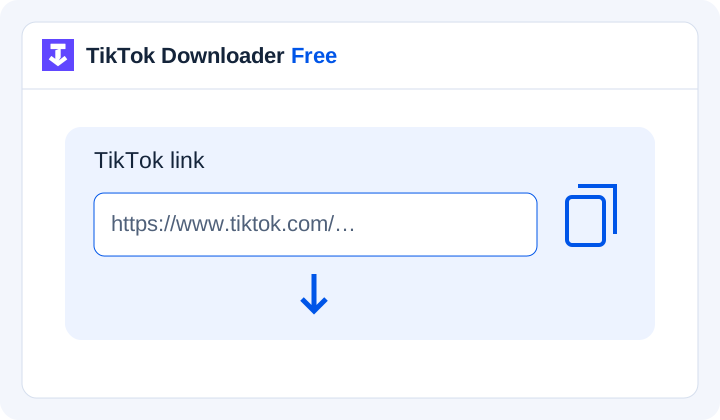
Use a post you own or have permission to save. Copy its share link when that option is available; do not use a profile link.
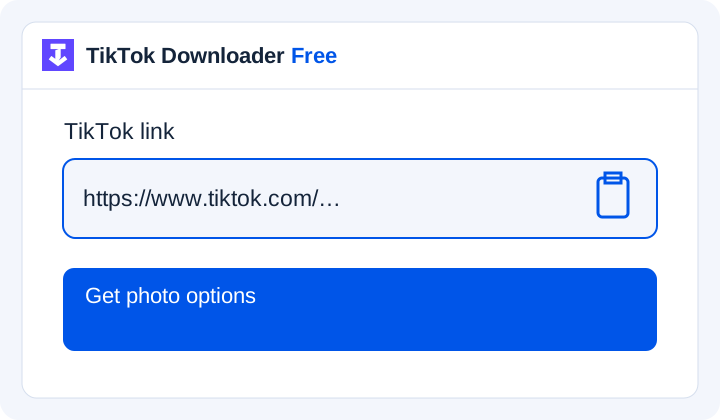
Paste the TikTok video link. Wait for the available images to be retrieved and checked.
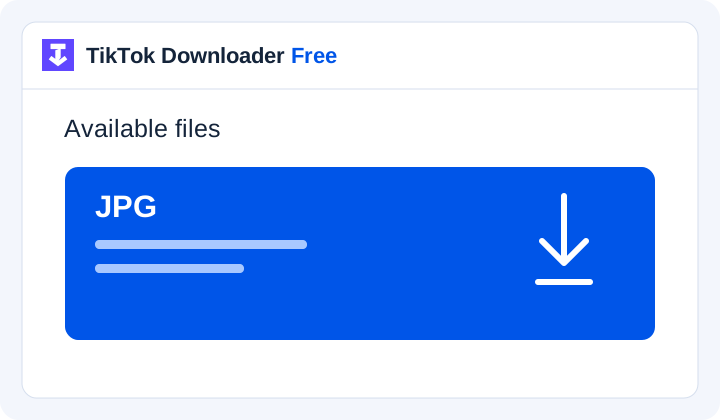
Use the numbered download buttons to save the photos you need. File dimensions and sizes are shown for each image.
Illustrations of the download steps. Available files vary by post.
A little more control
Video, audio and photos each have their own tool. File labels tell you what to expect.
A photo post can contain recipes, travel pictures or a tutorial. The photo tool returns numbered file cards so you can save individual images in the order returned by the provider.
Each download button points to an image retrieved and checked by the server. The numbered cards identify file order; they are not image thumbnails. Compare the saved images with the original post if completeness matters.
A swipeable photo post contains still images. A video made from photographs is already a moving video file, even if each frame looks like a slide. These two types of post need different handling. A photo tool should preserve separate images when they are available; a video tool handles the video file that the source provides.
Music is separate from a still image. Saving a photograph does not also save the soundtrack, and a collection of image files is not a playable slideshow. If you need a video, open the video tool. If you need audio, check the MP3 page for its current support and limits. A photo download should never be labelled as a video or an audio file just to offer more buttons.
Order can be as useful as the images themselves. The first picture might introduce a topic, while the next pictures explain each step. Numbered cards make it easier to compare a returned set with the original post and spot a missing item before saving anything.
With real results, check both the image count and the sequence against the source. Do not assume that the first image returned is the only image in the post, or that a partial set is complete. If an item cannot be retrieved, the result should explain that clearly. Any future download-all or archive option will depend on verified support; the current selection controls do not create a ZIP file.
An image can only contain the detail supplied by its source. Downloading it does not restore detail lost through compression, and a larger file is not automatically a sharper picture. When real files are available, their format and dimensions should come from the returned image data. An HD label should not appear merely because it sounds better.
The file dimensions and size come from the retrieved image. The tool does not remove text, stickers or other details embedded in it. For editing or printing, use your original photograph when available.
For a future supported photo workflow, use the link to the specific post rather than a profile or a search page. Copy it through the sharing options available on that post. Public visibility is only one part of availability: the post must still exist, the service must support its type, and you must have permission to save the images.
If a result cannot be produced, first open the source yourself and check that it is still the intended post. Recopy the link if it was cut off. A missing result does not prove that the creator deleted the post; it may also reflect an unsupported format or a temporary service problem.
When real photo downloads become available, a displayed button will be the start of the saving process. After using it, check your browser's download list and open the image to confirm that it is complete. The final location depends on the device, browser and settings; a downloaded image may need an additional action before it appears in a photo library.
For several images, compare the saved files with the selected set and preserve their sequence in a folder. If a browser asks about multiple downloads, read that prompt before continuing. If a combined archive is eventually offered, it should list what it contains and report missing items. Check that each file opens correctly before removing another copy.
Use the tool for your own photos or images you have permission to save. Being able to view a picture does not mean you can repost, sell or use it in an advertisement. Keep the creator's source link when it helps you remember where an image came from, and check the permission for the use you have in mind. TikTok Downloader Free is an independent project and is not affiliated with TikTok.
Find Safari downloads and understand Files and Photos.
Find Chrome downloads and check a saved video.
Choose a folder in Chrome, Edge or Safari on a computer.
Follow the message from input errors to file playback.
Yes, supported public photo posts return individual image files. Availability depends on the provider and the source post; private or deleted images are not supported.
Not always. People use slideshow to describe both swipeable photo posts and videos made from pictures. Separate still images belong in the photo workflow; a moving video belongs in the video workflow.
Use the individual download button on each numbered photo card to save only the images you need.
That cannot be promised before real output is tested. Available dimensions and file formats will depend on the source. The tool will not improve resolution or restore missing detail.
No. Still images do not contain a playable soundtrack. Audio is a separate output, and its availability and permitted use must be checked separately.
ZIP downloads and custom photo archives are not currently offered. Save images using their individual download buttons.
No private-access or deleted-post recovery is offered. A future photo result will depend on permitted, available content and supported retrieval.
Check that the link opens the intended public photo post. Recopy it if needed, then follow the message or troubleshooting guide.