Paste a Link, See Your Video
Paste a TikTok video link to start checking it. Watch the playable preview before choosing a download.
 TikTok Downloader Free
Paste a TikTok video link to get available MP4 videos, MP3 audio and cover images.
Optional. Shows links for this tool. Up to 20 links across all tools stay on this browser until cleared or history is turned off. No account or sync.
No saved links yet.
How it works
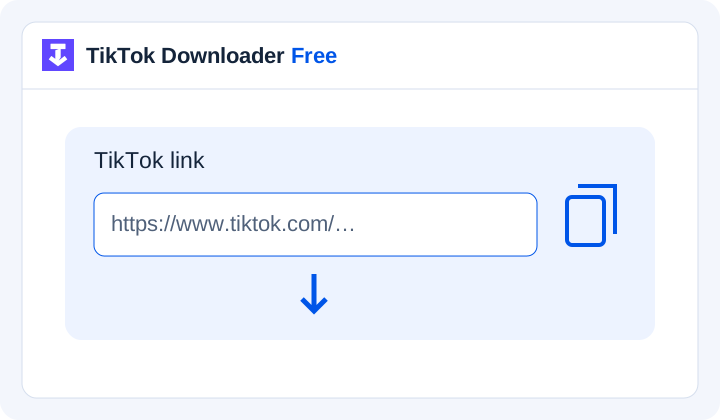
Choose a video you own or have permission to save. Copy its link from the post's sharing options.
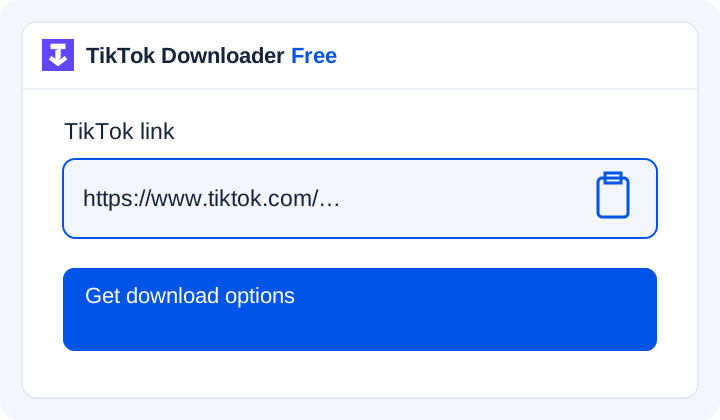
Paste the TikTok video link above. Wait while the files are retrieved and checked.
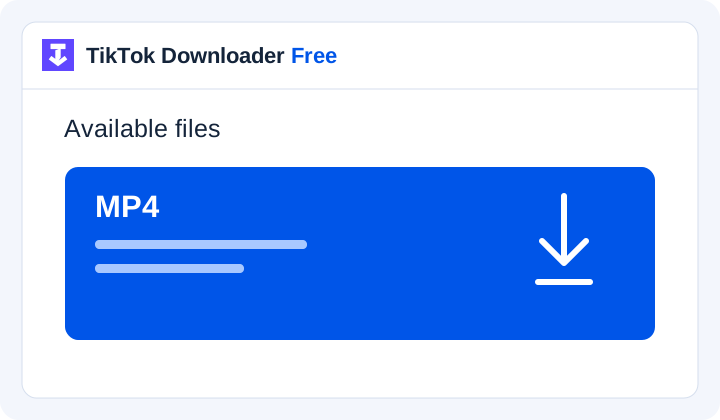
Choose an available format. Your browser saves the file; check its download list when the transfer finishes.
Illustrations of the download steps. Available files vary by post.
A little more control
Video, audio and photos each have their own tool. File labels tell you what to expect.
Open the TikTok post you want to save and copy its share link. Paste only that link into the box—leave out captions or extra text. Use a link to one post, not a profile, search or hashtag page.
Go from a TikTok video link to the file you need, with clear choices and no extra app to install.
Paste a TikTok video link to start checking it. Watch the playable preview before choosing a download.
Save available MP4 videos, MP3 audio, cover images or individual slideshow photos. Each result shows the file details.
Use the tools in your browser on a phone, tablet or computer. Your browser handles saving the file; steps may vary by device.
Find your file choices in one place, without advertising pop-ups, redirects or misleading download buttons.
Add up to five links in batch mode. Each gets its own result, so an unavailable post does not hide the others.
Turn on optional history to keep recent links in this browser. Clear them whenever you want, and switch between light and dark themes.
Copy the TikTok video link from the Share menu and paste it into the video tool above. Check the preview, then choose an available MP4 file and wait for the download to finish.
Open the saved video to check the result. A watermark-free version depends on the file supplied by the provider; it is not guaranteed for every post. This tool does not erase logos or text embedded in the video. Only download content you own or have permission to use.
When a real download is available, choose your file and save it to a folder on your PC. If your browser does not ask where to save it, check Downloads or the browser's download list. Wait for the transfer to finish, then open the file. Keep its extension when renaming it.
A public post may still be unavailable if it was removed, restricted or its share link no longer works. Reopen the post and copy a fresh link, then follow the error message. Private or deleted posts cannot be recovered here.
Paste one link per line in batch mode, up to five links. Each post is checked separately; unavailable posts show their own error.
History is optional and stays in this browser. When enabled, successful checks save the link. Clear entries or turn history off whenever you want; this does not delete downloaded files.
Keep the tools you need within reach without installing another app. Open TikTok Downloader Free in your browser, paste the TikTok video link and choose from the files returned for that post. You can check the preview before saving; the video only plays when you choose to start it.
Use the same website on a phone, tablet or computer. There is no dedicated downloader app to maintain, although downloaded files still use storage on your device. Your browser handles the transfer, so check its download list when the file is ready. Save only content you own or have permission to use.
Learn how to save available TikTok audio as MP3, check the result and find the downloaded file on your device.
Understand the limits of TikTok story downloads and the alternatives available on this website.
Use the photo tool to save available slideshow images individually and check their order against the TikTok post.
Find out how to save a cover image when it is included in the available TikTok video results.
Learn what this website supports and how a profile picture differs from a video’s cover image.
See how the on-page player helps you check a supported video result before choosing a download.
Yes. The video tool retrieves available public TikTok videos through TikWM and checks the files before offering download buttons. Some posts may be unavailable or unsupported. Only download content you own or have permission to save.
Watermark removal has not been verified. Any future output must be described according to the actual file returned. A button label is not evidence that a watermark is absent.
No resolution is guaranteed. Available quality depends on the source and the outputs a connected service can actually provide. Check the file's dimensions and playback instead of assuming every post has an HD version.
The browser may have saved it to Downloads first. Check its download list, confirm the transfer finished, then use your device's available sharing or library-saving action for a compatible video.
Use the link to the individual post. A profile can contain many different content types and does not identify which video you want. Open the chosen post and copy its sharing link.
No. The history controls manage saved link entries in this browser. Files in Downloads, a photo library or another folder are separate and need to be managed there.